Результатов не найдено

- AI РАБОЧАЯ СТАНЦИЯМодульный ПКУслугиOEM
Сайт группы
|3D

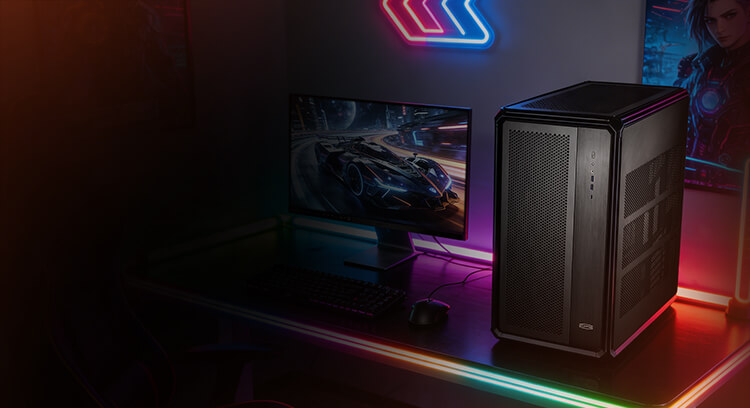
Air Cooling or Liquid Cooling for an AI Workstation?
When people configure an AI workstation, the first things they usually look at are the GPU model, VRAM capacity, and the number of cards.
Cooling often comes later.
That is usually fine for a standard desktop. But AI workloads are different. Large-model inference, fine-tuning, multi-GPU training, rendering, and other compute-heavy jobs can keep both the CPU and GPUs under sustained load for hours at a time.
If the system cannot move heat out fast enough, GPU clocks start to drop. At that point, the performance listed on the spec sheet no longer reflects what the machine can actually deliver.
So the choice between air cooling and liquid cooling is not simply about which one produces a lower temperature. It depends on what the workstation is expected to do, how many GPUs it carries, and how long it needs to stay under load.
Air Cooling vs. Liquid Cooling
Air Cooling Is Fine for One GPU. Multi-GPU Systems Are Different.
Air cooling is mature, reliable, and cost-effective. For a single-GPU workstation, lower-power AI workloads, or occasional inference and training, a well-designed airflow setup is usually more than enough.
Things change once multiple GPUs are installed.
In a dual- or four-GPU workstation, every graphics card is dumping heat into the same chassis. The CPU, power supply, and motherboard VRMs are adding heat at the same time. With very little space between cards, hot exhaust from one GPU can also affect the next.
Air cooling deals with this mainly by moving more air. That means higher fan speeds. Temperatures may improve, but noise, dust buildup, and long-term performance fluctuation become harder to avoid.
Liquid cooling takes a different approach. Instead of relying mainly on chassis airflow, coolant carries heat away from the CPU and GPUs and transfers it to the radiator. For high-density systems running under sustained load, that gives the cooling system more headroom.
Long-Run Performance Matters More Than a Short Benchmark
A workstation does not finish its job after one benchmark run.
Many AI jobs run for hours. Training workloads may continue for days. A system that performs well for ten minutes but starts throttling later is not delivering its rated compute performance in real use.
Existing test data shows:
- Air-cooled compute utilization under full load: around 82%
- Liquid-cooled compute utilization: above 90%
- Liquid-cooled core temperature: below 60°C
- Training speed improvement: 20%+
On a standard PC, these differences may not look dramatic. Under a workload that runs 24 hours a day, they matter much more.
For local LLMs, model fine-tuning, scientific computing, or long rendering jobs, stable clock speeds are often more valuable than short bursts of peak performance.
Noise is another consideration, especially for workstations installed in engineering offices, laboratories, design studios, R&D departments, and local AI development environments.
Existing data shows that a four-GPU air-cooled workstation can exceed 80 dB under full load. A liquid-cooled setup can operate at around 35–40 dB under full load, making it more practical for office and lab environments.
Stability, Maintenance, and Cost
More companies are starting to run AI models locally. Some need to keep data inside the internal network, while others need to tune models frequently or want direct access to local GPU resources.
Once that happens, the workstation is no longer just a powerful desktop. It starts behaving more like a small compute node. It may run inference during the day, training overnight, and data processing in the background.
In this kind of setup, cooling has a practical job: keep the GPUs from dropping frequency during sustained operation.
Maintenance also needs to be part of the calculation.
Higher airflow means more dust entering the chassis. Dust builds up on fans, filters, and heatsinks, gradually reducing cooling performance. Current data suggests that an air-cooled system typically needs cleaning and cooling maintenance about every six months.
For a few machines, that is manageable. For companies operating ten, twenty, or more workstations, cleaning, shutdowns, inspection, and post-maintenance testing all take time.
Existing data also shows:
- Air-cooled annual failure rate under long-term high-temperature operation: around 2%
- Liquid-cooled annual failure rate: around 0.2%
- Estimated service-life extension: roughly 30%
- Sealed liquid-cooling maintenance-free period: around 5–7 years
For a business, the real cost of a hardware failure is usually not the repair bill. It is the workload that stops running.
A liquid-cooled workstation typically costs around 10–20% more at the time of purchase. However, AI workstations are usually expected to stay in service for several years.
Over a 3–5 year period, power consumption, air conditioning, maintenance, downtime, and hardware replacement all become part of the total cost.
Existing data shows that a liquid-cooled system can reduce cooling- and HVAC-related electricity costs by around 15%.
If the machine is only used occasionally, the extra cost may not be justified. If it runs under heavy load throughout the year, the difference can gradually be offset by lower cooling costs, less maintenance, and more stable operation.
When Does Each Cooling Solution Make Sense?
Air cooling is still a good choice for:
- Single-GPU configurations
- Lower-power AI workloads
- Occasional inference or training
- Office and design work
- Environments where noise is not a major concern
- Projects where initial purchase cost matters most
A properly designed air-cooled workstation still offers excellent value. There is no reason to use liquid cooling simply because it sounds more advanced.

Liquid cooling becomes more relevant for:
- Dual-GPU, four-GPU, or larger multi-GPU configurations
- Long model training or fine-tuning jobs
- 24/7 compute workloads
- Long-running local LLM deployment
- Scientific computing
- Industrial R&D
- Rendering and other sustained workloads
- Office or laboratory environments where noise matters
- Deployments where maintenance and downtime need to be kept low
The more GPUs you install, the higher the system power draw becomes. And the longer the workload runs, the more important cooling becomes to real-world performance.
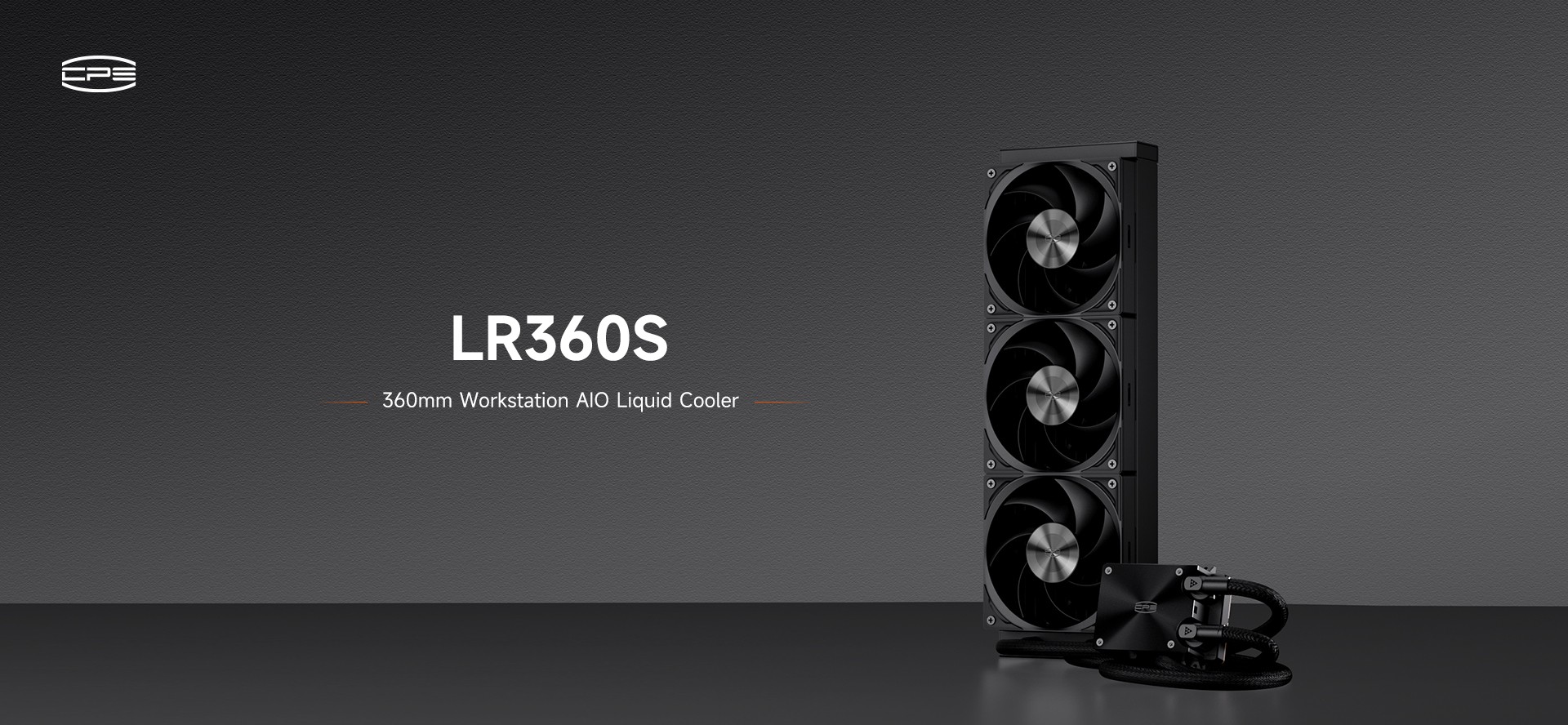
CPS PCCOOLER: Cooling the Whole Workstation
In a high-power AI workstation, the CPU is often not the hardest component to cool.
The real thermal load can come from several GPUs running at full power for long periods. Putting a high-end liquid cooler on the CPU alone does not solve the overall thermal problem.
CPS PCCOOLER uses a full CPU + GPU liquid-cooling architecture, supporting configurations from a single GPU up to 11 GPUs.
The system is designed for high-density, sustained-load environments such as:
- Local LLM deployment
- Model training and fine-tuning
- Multi-GPU computing
- Scientific workloads
- Long-running AI applications
The goal is not simply to make the workstation run cooler.
It is to keep the system stable when the hardware is actually being used the way an AI workstation is supposed to be used.

Final Takeaway
For a single-GPU system or lighter AI workload, air cooling is still practical and cost-effective.
For multi-GPU systems, continuous training, local AI deployment, and 24/7 compute workloads, liquid cooling becomes much more valuable.
In the end, the most useful question is not how impressive the workstation looks on paper.
It is this:
After running for several hours—or several days—can the GPUs still hold the clock speeds they are supposed to?
If they can, then the compute performance on the spec sheet actually means something.